The Manual Work Problem Costing Australian Enterprises Millions
The average Australian knowledge worker spends between 4 and 6 hours every day on tasks that generate no direct business value: drafting routine emails, manually summarising meeting notes, reformatting data in spreadsheets, searching through document libraries for information that should be instantly accessible.
Multiply that across a 500 person enterprise. The productivity cost is staggering and it is entirely solvable with the right AI deployment.
Microsoft Copilot AI is the most enterprise ready solution for Australian organisations running on Microsoft 365. This article breaks down exactly which workflows it targets, what measurable impact looks like, and how Australian enterprises across multiple industries are deploying it at scale.
What Is Copilot AI and Why Is It Different?
Microsoft Copilot AI is natively embedded in the applications your team already uses and grounded in your organisation’s actual data through Microsoft Graph. An AI tool that requires your people to manually copy-paste content between applications is one they will stop using within three weeks. Copilot works inside Teams, Word, Excel, Outlook, and PowerPoint reading your data, understanding your context, producing output that is immediately relevant.
Five High-Impact Workflows Where Copilot AI Eliminates Manual Work
1. Meeting Summarisation and Action Item Generation
Microsoft Copilot in Teams automatically generates structured meeting summaries, extracts action items with assigned owners, and drafts follow-up emails all within seconds of a meeting concluding. Late joiners can ask Copilot what they missed without interrupting the meeting.
Measured impact: Organisations report saving 1.5 to 2 hours per employee per week on meeting related administration.
2. Email Drafting and Thread Summarisation
Copilot AI in Outlook summarises long email threads into a clear context summary, then drafts responses based on a brief plain language instruction. “Decline this meeting request politely and propose an alternative time” produces a ready to review draft in seconds.
Measured impact: Enterprise deployments consistently show a 40% reduction in time spent on email drafting and thread management.
3. Document and Report Creation
Copilot AI in Word allows users to generate a first draft from a brief prompt, referencing existing documents in SharePoint. A project manager can prompt Copilot to draft a board update based on the project brief, the last meeting summary, and the current status report all pulled automatically from relevant SharePoint folders.
4. Data Analysis and Excel Automation
“Show me monthly revenue by region for the past 12 months, highlight regions where revenue declined more than 10% month over month” this natural language instruction is executed directly by Copilot in Excel, producing charts and insights without manual pivot table construction.
5. Agentic AI Workflows with Copilot Studio
Microsoft Copilot Studio enables organisations to build custom agentic AI workflows that complete multi step business processes without continuous human instruction. Australian enterprises are deploying agentic AI for procurement approval, client onboarding, HR request management, and operations reporting.
Australian Industry Applications
- Financial Services: Automated report generation, meeting summarisation for compliance records, regulatory document drafting.
- Healthcare: Clinical notes summarisation, administrative workflow automation, patient communication drafting.
- Professional Services: Proposal and contract drafting, client meeting summaries, research synthesis.
- Logistics and Operations: Operations reporting, exception alerting, supplier communication drafting.
- Government: Policy document drafting, internal communication management, meeting records.
Implementation: Getting to 40% Manual Work Reduction
- Scope the highest value workflows first: Identify the three to five workflows where manual effort is highest and impact of automation is clearest.
- Configure governance before launch: Ensure your M365 compliance posture is configured before enabling Copilot. What Copilot surfaces is governed by your existing permissions structure.
- Train for prompting effectiveness: Copilot AI is only as effective as the instructions it receives. Structured training produces significantly better outcomes.
- Measure and report: Set baseline metrics before deployment. Track time saved, output volume, and adoption rates. Report monthly to maintain momentum.
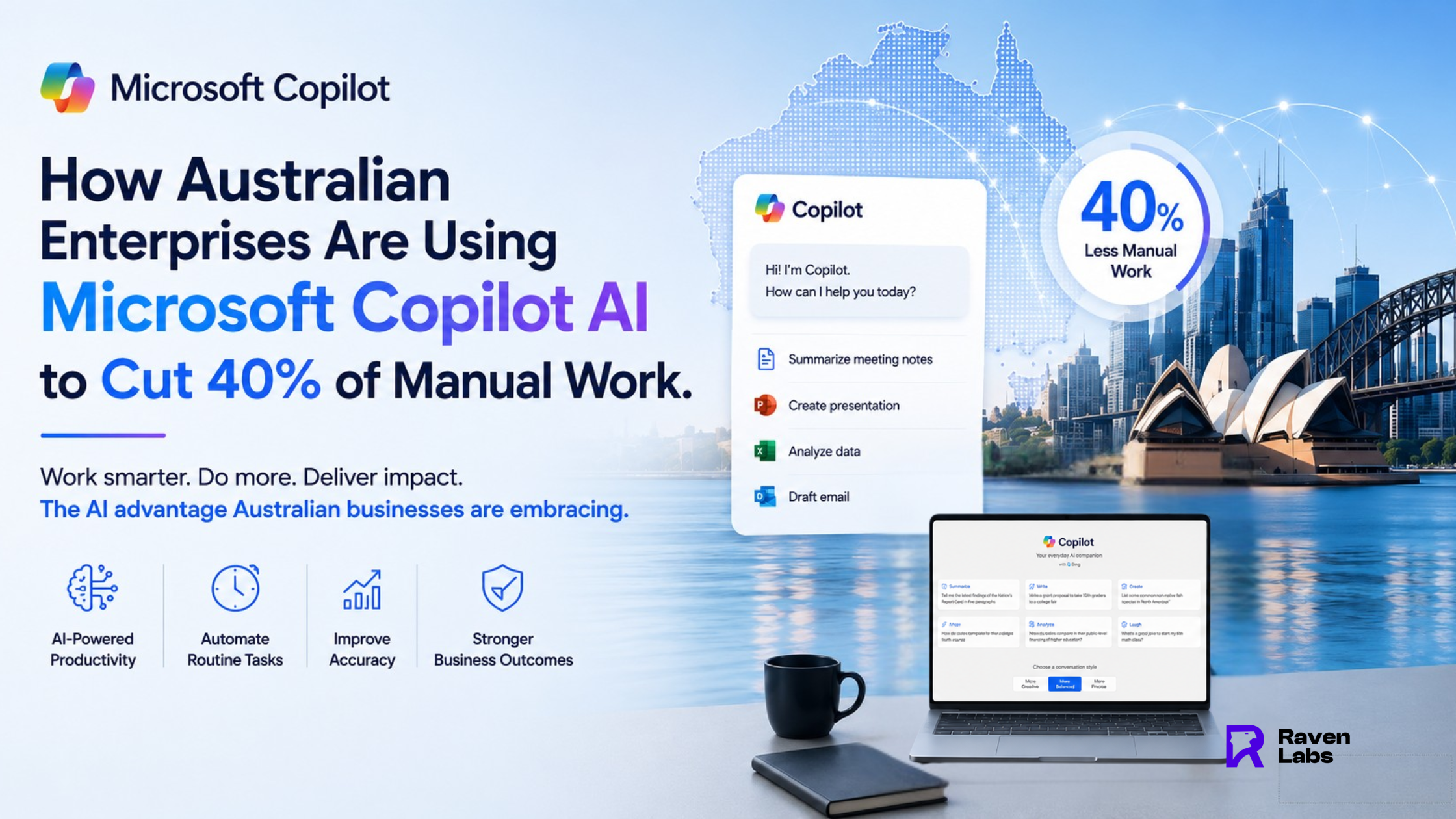
Conclusion: 40% Less Manual Work Is a Measured Outcome
Australian enterprises that have deployed Microsoft Copilot AI with proper governance and structured adoption are achieving measurable, significant reductions in manual work. The productivity advantage is real, available now, and compounds over time.
Raven Labs specialises in Microsoft Copilot deployments for Australian enterprises targeting your specific highest value workflows, delivering measurable outcomes, and building internal AI capability.
FAQ’S
1: How does Microsoft Copilot AI reduce manual work in Australian enterprises?
Copilot AI automates the most time intensive tasks across M365 meeting summarisation, email drafting, document creation, and data analysis directly inside the applications your team already uses. Organisations typically recover 1.5 to 2 hours per employee per week.
2: Is agentic AI through Copilot Studio available in Australia?
Yes. Microsoft Copilot Studio is available to Australian enterprises. Raven Labs designs and deploys custom agentic AI workflows for organisations across Melbourne, Sydney, and nationally.
3: What Microsoft 365 plan do I need to use Copilot AI?
Microsoft Copilot for M365 requires an eligible base plan Business Basic, Standard, Premium, or Enterprise E3/E5 plus the Copilot for M365 add-on licence. Contact Raven Labs for current AUD pricing.
4: How long does it take to see ROI from Microsoft Copilot AI?
Organisations with structured deployment and training typically begin observing measurable productivity improvements within 4 to 6 weeks. Full ROI realisation depends on adoption breadth and workflow automation
scope.
5: Can Australian government agencies use Microsoft Copilot AI?
Yes. Copilot is designed to comply with Australian government data handling requirements. Agencies under IRAP-assessed environments should conduct a specific compliance review. Raven Labs can assist.
Related Articles: