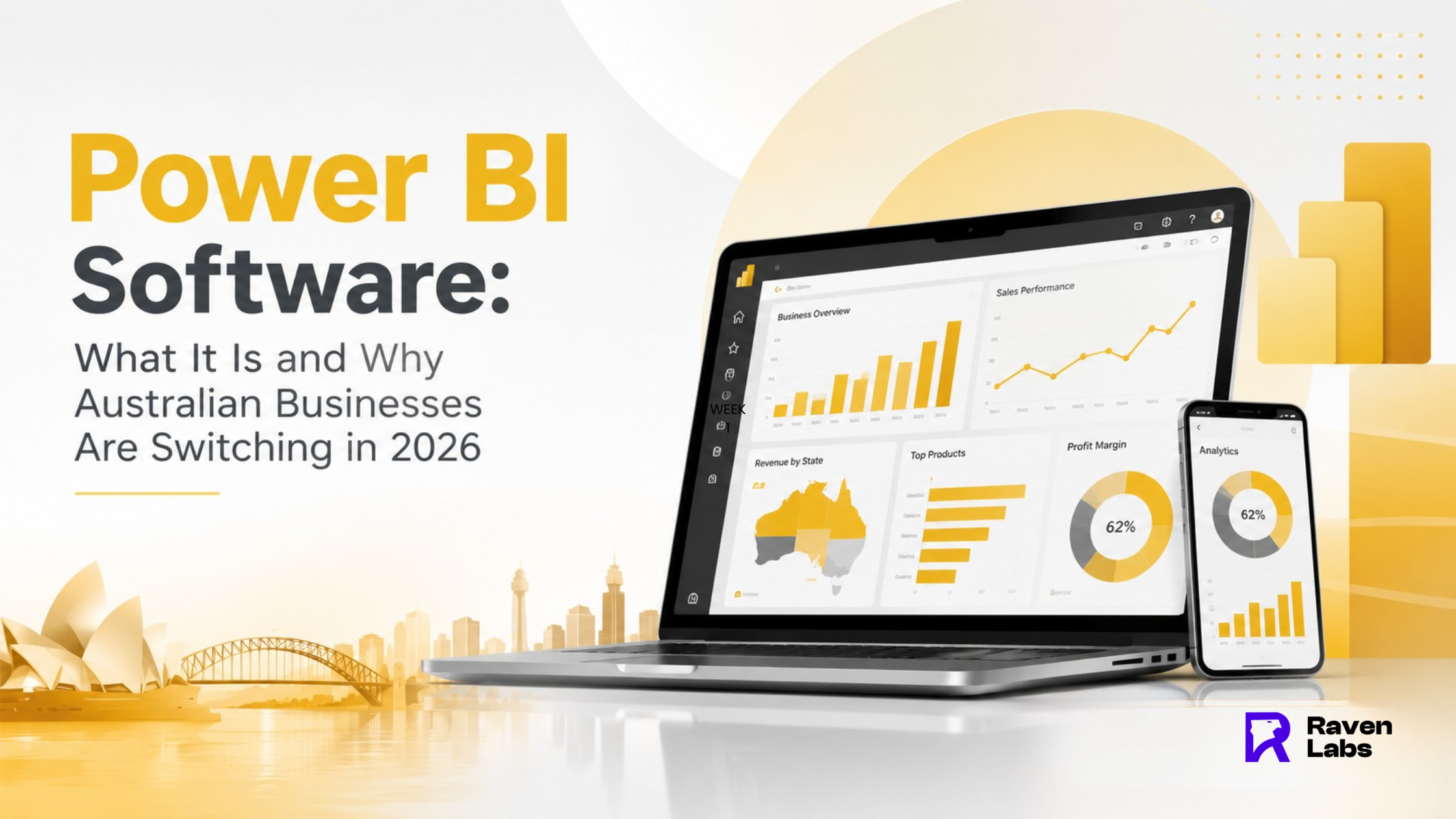
Most Australian SMEs are still running the business off a spreadsheet somebody updates by hand every Monday. By the time the numbers are “ready,” they are already a week old, and the person who built the report has already moved on to the next fire. That gap between what happened and what the business can see is the exact problem Power BI software was built to close, and it is why so many Australian businesses are switching to it in 2026.
What Power BI Software Actually Is
Power BI is Microsoft’s business intelligence platform: a tool that connects to the systems you already run — your accounting software, your CRM, your ERP, your spreadsheets and turns that raw data into live dashboards and reports. It is not a replacement for Excel. It is what sits on top of Excel, Zoho, Salesforce, SAP, Xero, MYOB and dozens of other tools, pulling their data into one connected view instead of forcing someone to copy and paste numbers between systems every week.
At its core, Power BI has three parts: Power BI Desktop (a free authoring tool for building reports and data models), the Power BI Service (the cloud platform where dashboards are published, shared and refreshed), and Power BI Mobile (apps for checking dashboards on the go). For an Australian SME, the practical effect is simple instead of finance manually rebuilding the same report every Monday morning, the numbers update automatically and the whole team can see them the moment they log in.
Why Australian Businesses Are Switching in 2026
Three forces are driving the shift this year. First, cost: Power BI Desktop is genuinely free, and Power BI Pro sits at a modest per-user monthly price in AUD, which is a fraction of legacy enterprise BI platforms. Second, ecosystem fit: a large share of Australian SMEs already run Microsoft 365, Dynamics 365, Teams and Excel, and Power BI slots directly into that stack without a separate learning curve. Third, and increasingly the biggest driver, is decision speed. Businesses that used to wait days for a report now expect answers in minutes, and a live dashboard is the only way to deliver that without hiring a dedicated analyst.
There is also a broader shift happening across the Australian market: businesses are moving from reactive reporting (pulling numbers when someone asks) to proactive monitoring (numbers that are always current, with alerts when something moves outside target). That shift only works if the underlying platform can connect cleanly to every system the business runs which is exactly where Power BI’s connector library earns its keep.
What Power BI Connects To
This is usually the first question we get from a business considering the switch: will it actually talk to what we already use? The honest answer is yes, for almost everything. Power BI has native connectors for Zoho CRM and Zoho Analytics, Dynamics 365, Salesforce, SAP, Xero, MYOB, SharePoint, SQL Server, Google Analytics and hundreds of other sources. Where a native connector does not exist, a middleware layer or custom API connection usually closes the gap. The point is that switching to Power BI rarely means ripping out your existing CRM or ERP it means adding one connected reporting layer over the top of what you already run.
Common Myths That Stop Businesses From Switching
The biggest myth is that Power BI is “just Excel with nicer charts.” It is not. Excel is a static snapshot that someone has to manually refresh. Power BI connects live to your systems, so the data updates on a schedule (or near-real-time) without anyone touching a spreadsheet. The second myth is that you need a dedicated data analyst to run it in practice, most Australian SMEs have a small number of core dashboards built once by a specialist, then self-served by the team who need them day to day. The third myth is cost: many businesses assume BI software is an enterprise-only expense, when Power BI’s per-user pricing was specifically built to scale down to a five- or ten-person business.
Getting Started the Right Way
The businesses that get the most out of Power BI do not start with a giant, all-in-one dashboard. They start with one clear decision the business needs to make are we hitting target this month, which products are actually profitable, where are jobs going over budget and build a small, focused report around answering that question. Once that first dashboard proves its value, it is far easier to justify expanding into a connected set of dashboards across sales, operations and finance.
Ready to See If Power BI Fits Your Business?
If your team is still reconciling numbers by hand or waiting days for a report your systems already hold, a short BI readiness audit will show you exactly where Power BI fits your stack and what it would take to get your first dashboard live. Book a free BI readiness audit with Raven Labs at ravenlabs.com.au or call 1300 305 009.
FAQ’S
1. Is Power BI actually free for Australian businesses?
Power BI Desktop, the tool used to build reports and dashboards, is free to download and use. Sharing and collaboration features require a Power BI Pro or Premium licence, which is billed per user per month in AUD and is generally far cheaper than legacy enterprise BI platforms.
2. Can Power BI connect to Zoho, SAP and Salesforce at the same time?
Yes. Power BI has native or supported connectors for all three, so a business running a mixed stack (for example Zoho CRM plus SAP for finance) can bring both into a single connected model rather than switching systems.
3. Do I need a data analyst on staff to use Power BI?
Not for most SMEs. A specialist typically builds the initial data model and core dashboards, and the business team then self-serves the reports day to day without needing ongoing technical support.
4. Is Power BI or Microsoft Fabric the right choice for a small Australian business in 2026?
For most SMEs, standard Power BI Pro licensing is the right starting point. Microsoft Fabric becomes relevant once a business has larger data volumes, multiple data engineering needs, or wants consumers to view reports without individual Pro licences.
5. How long does it take to get a first Power BI dashboard live?
A focused first dashboard connected to one or two data sources is typically achievable in one to two weeks, including data connection, modelling and design. Broader, multi-system dashboards take longer depending on data quality and complexity.