Introduction
If your team uses Word, Excel, Outlook, Teams, or PowerPoint every day, you have already met Microsoft 365 Copilot. The question in 2026 is no longer whether to use Microsoft Copilot, but which plan delivers the best return for your business and how to roll it out without wasting 30 to 40 percent of your licences in the first 90 days.
Microsoft 365 Copilot is now embedded across the entire Microsoft 365 ecosystem, grounded in your organisation’s data through Microsoft Graph, and capable of drafting documents, analysing spreadsheets, summarising meetings, and answering questions about your business in seconds. Forrester estimates a potential ROI of 116 percent over three years for enterprises, while SMB ROI projections range between 132 and 353 percent.
This guide covers everything you need to know about Microsoft 365 Copilot in 2026: plans, pricing, features, Copilot Chat, Copilot AI capabilities, and how Australian businesses are extracting real value.
What is Microsoft 365 Copilot?
Microsoft 365 Copilot is an AI productivity assistant built directly into the Microsoft 365 application suite, including Word, Excel, PowerPoint, Outlook, Teams, OneNote, and Loop. Unlike standalone AI chatbots, Microsoft Copilot is grounded in your organisation’s actual data through Microsoft Graph, meaning it understands your emails, documents, meeting histories, calendars, chats, and project files.
The practical difference is significant. When you ask Microsoft Copilot AI to draft a client proposal, it does not produce a generic template. It pulls context from your recent emails with that client, your company’s previous proposals stored in SharePoint, and your last Teams meeting notes, then writes something genuinely relevant.
In 2026, Microsoft 365 Copilot includes:
- Agentic drafting in Word, Outlook, and PowerPoint
- Natural-language data analysis in Excel
- Meeting summaries and action items in Teams
- Email triage and reply suggestions in Outlook
- Custom AI agents built through Copilot Studio
- Copilot Chat, the conversational interface that works across all apps
Microsoft Copilot Plans in 2026
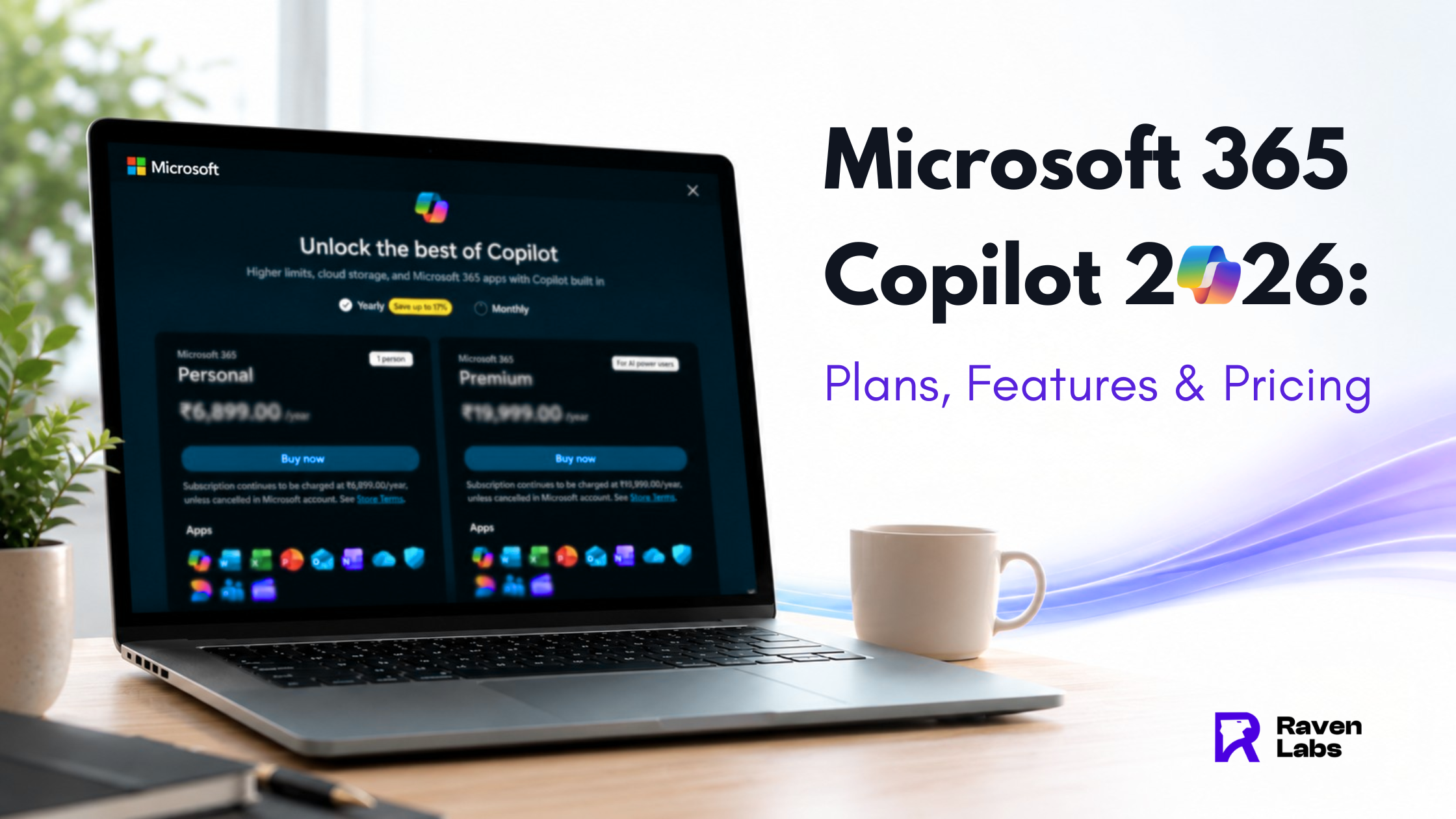
Microsoft has consolidated its Copilot offerings into four main commercial plans plus consumer tiers. Choosing the right one matters because the pricing varies significantly and so does the depth of integration.
Microsoft 365 Copilot Chat (Free with eligible licences)
The free tier of Microsoft Copilot is included with any qualifying Microsoft 365 subscription. Copilot Chat provides web-grounded AI assistance, enterprise data protection, and access to the chat interface, but does NOT include the deep integration into Word, Excel, PowerPoint, Outlook, and Teams.
Best for: Light users, teams piloting Copilot, organisations not ready to commit to per-user licensing.
Microsoft 365 Copilot Business
- Price: USD $18 per user per month (promotional rate through June 30, 2026), increasing to USD $21 per user per month after that
- User cap: Up to 300 users
- Includes: Full Microsoft Copilot experience in Word, Excel, PowerPoint, Outlook, and Teams
- Required base licence: Microsoft 365 Business Basic, Standard, or Premium
Best for: Australian SMBs that want enterprise-grade AI without enterprise complexity.
Microsoft 365 Copilot Enterprise
- Price: USD $30 per user per month, annual commitment
- User cap: None
- Includes: Full Copilot experience plus Copilot for Sales, Copilot for Service, and Copilot for Finance bundled at no additional cost in 2026
- Required base licence: Microsoft 365 E3, E5, F1, F3, Business Standard, Business Premium, or equivalent
Best for: Medium and large organisations, regulated industries, businesses needing role-specific AI agents.
Microsoft 365 Copilot Pro (Consumer)
- Price: USD $20 per user per month
- Includes: Copilot in Word, Excel, PowerPoint, and Outlook for personal Microsoft accounts, plus priority access to the latest AI models
- Required base licence: Microsoft 365 Personal or Family
Best for: Freelancers, solo consultants, and power users on personal Microsoft 365 subscriptions. Note that Microsoft 365 Copilot Pro is the consumer-tier product, not a business tier.
For Australian businesses, the typical decision is between Copilot Business (under 300 users) and Copilot Enterprise (everyone else). For an E3 + Copilot user, the total cost is USD $66 per user per month at list price, though Enterprise Agreement customers usually negotiate lower rates.
What Microsoft Copilot AI Actually Does in Each App
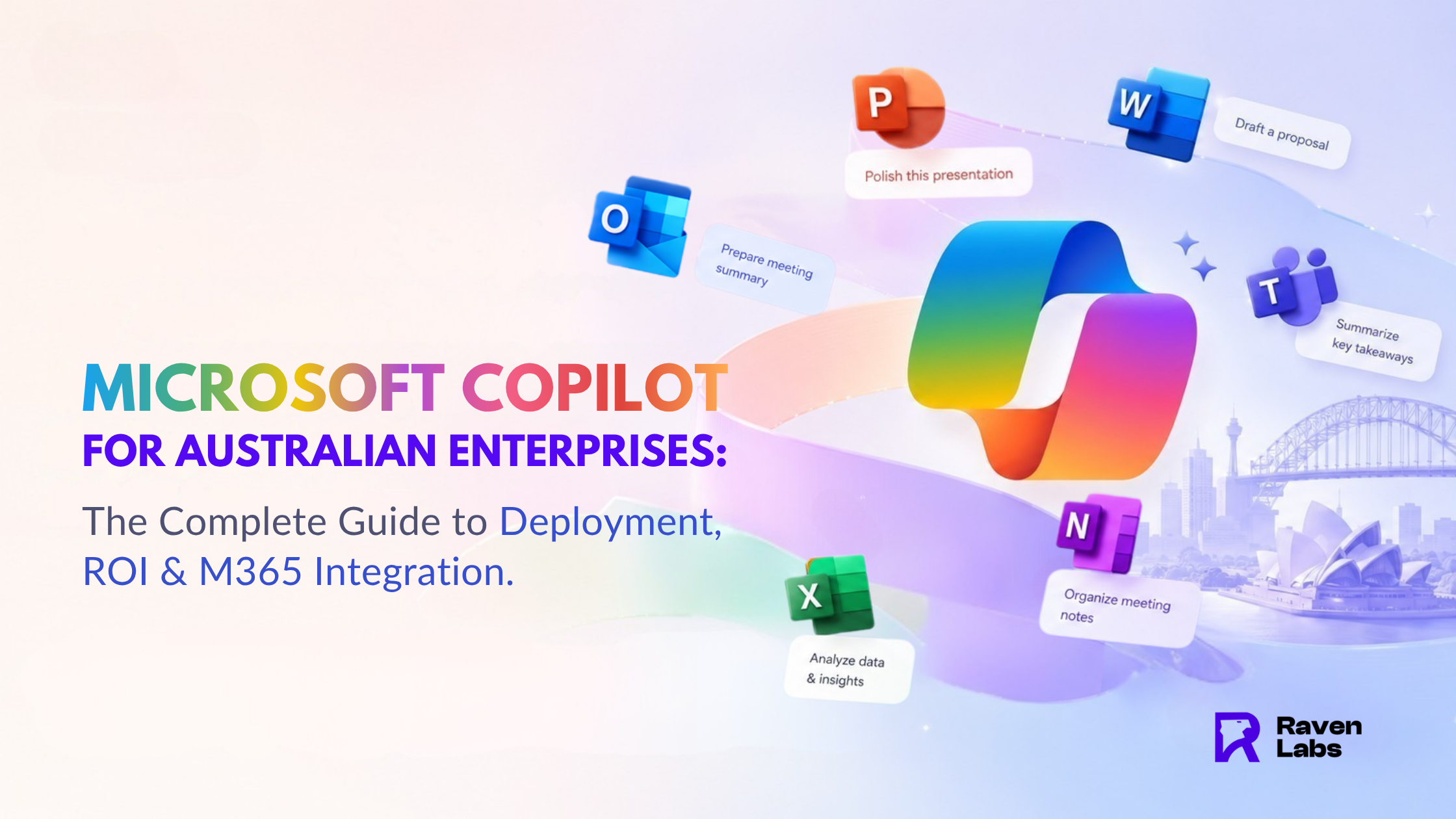
The value of Microsoft 365 Copilot is not the chat box. It is the embedded AI inside each app, which removes the swivel-chair problem of jumping between tools.
Microsoft Copilot in Word Draft documents from a one-line prompt, rewrite paragraphs in a different tone, summarise long reports, and generate first drafts grounded in your SharePoint files. Lawyers use it for contract drafts, marketing teams for blog posts, executives for board reports.
Microsoft Copilot in Excel Ask questions in plain English (“What were our top three SKUs by margin in Q3?”), generate complex formulas, build pivot tables, create charts, and identify trends in your data without writing a single function.
Microsoft Copilot in PowerPoint Turn a Word doc or prompt into a designed presentation in seconds. Reformat existing decks, generate speaker notes, and create new slides with AI-suggested layouts.
Microsoft Copilot in Outlook Summarise long email threads, draft replies in your voice, schedule meetings from email context, and triage your inbox by priority. The single biggest time-saver for most users.
Microsoft Copilot in Teams Real-time meeting transcripts, automatic summaries, action items extracted into your task list, and the ability to ask “What did we decide about pricing?” without rewatching the recording.
Copilot Chat The conversational interface that ties everything together. Copilot Chat can search across your entire Microsoft 365 environment, answer business-specific questions, and trigger actions in connected apps. It is also the entry point for custom agents built in Copilot Studio.
Copilot Studio: Building Custom Copilot AI Agents
In 2026, the most significant evolution of Microsoft Copilot is Copilot Studio, the low-code platform for building custom AI agents tailored to your business.
Examples Australian businesses are deploying:
- Sales agent that drafts proposals from CRM data and product catalogues
- HR agent that answers leave, payroll, and policy questions from employees
- Procurement agent that triages purchase requests against budgets and preferred suppliers
- Customer service agent that resolves tier-one queries from knowledge base content
Custom agents do not replace Microsoft 365 Copilot. They extend it, embedding Copilot AI into the workflows where your business actually loses time today. This is where Raven Labs spends a significant portion of our Microsoft consulting work in 2026, helping clients move from “Copilot is interesting” to “Copilot is mission critical.”
Real ROI from Microsoft 365 Copilot
The headline numbers from 2026 studies tell a consistent story:
- A government pilot found users saving nearly one hour per day on summarisation and drafting tasks
- 61 percent of pilot users reported measurable improvements in work quality
- Forrester’s Total Economic Impact study projects a potential NPV of USD $19.7 million and 116 percent ROI over three years for enterprise deployments
- SMB ROI projections range from 132 to 353 percent
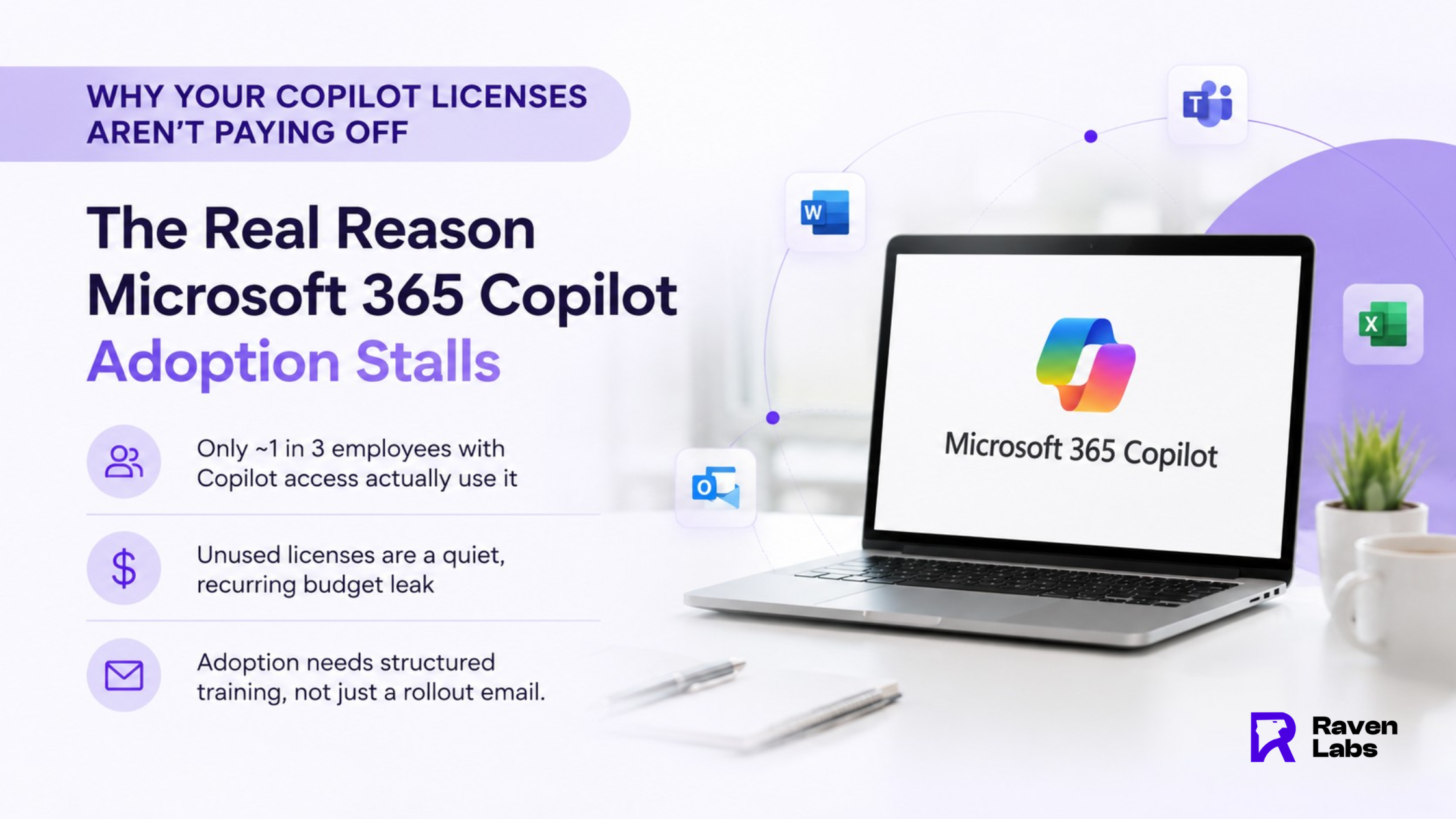
The catch is that ROI does not happen automatically. The same studies show that 30 to 40 percent of Microsoft Copilot licences are wasted within 90 days of purchase because users were not trained, use cases were not identified, or the rollout lacked executive support.
How to Roll Out Microsoft 365 Copilot Successfully
The businesses extracting the most value from Microsoft Copilot follow a similar playbook:
Step 1: Identify champions, not just licences. Start with 20 to 50 users across departments who are motivated to experiment. Avoid blanket rollouts on day one.
Step 2: Define three high-value use cases. For most Australian SMBs, the highest-ROI use cases are inbox management in Outlook, meeting summaries in Teams, and document drafting in Word. Master these before expanding.
Step 3: Invest in prompt training. The difference between a $30 per month licence that delivers $300 of value and one that delivers $0 is usually prompt skill. Run a 90-minute internal training session and provide a prompt library.
Step 4: Govern your data first. Microsoft Copilot can only see what users have permission to see. Audit your SharePoint, OneDrive, and Teams permissions before rollout to avoid “oversharing” incidents where Copilot surfaces sensitive files.
Step 5: Measure and reallocate. Review usage analytics monthly. Reclaim licences from non-users and assign them to engaged employees.
Ready to Deploy Microsoft 365 Copilot?
Raven Labs helps Australian businesses plan, deploy, and optimise Microsoft 365 Copilot, including custom agents built in Copilot Studio. As a Microsoft and Zoho ecosystem partner based in Melbourne and Sydney, we specialise in turning Copilot from a licence cost into a productivity multiplier.
Book a free Copilot readiness assessment at theravenlabs.com to identify the three highest-ROI Copilot use cases for your business.
FAQ’S
1. What is the difference between Microsoft Copilot and Microsoft 365 Copilot?
Microsoft Copilot is the umbrella brand covering all of Microsoft’s AI assistants, including the free web-based Copilot. Microsoft 365 Copilot is the paid commercial product that integrates AI directly into Word, Excel, PowerPoint, Outlook, and Teams, grounded in your organisation’s data.
2.How much does Microsoft 365 Copilot cost in Australia?
Microsoft 365 Copilot Business costs USD $18 per user per month (promotional until June 30, 2026, then USD $21). Microsoft 365 Copilot Enterprise costs USD $30 per user per month.
3.Is Copilot Chat free?
Yes, Copilot Chat is included at no additional cost for users with an eligible Microsoft 365 subscription. However, it only provides web-grounded chat. To unlock Copilot AI inside Word, Excel, PowerPoint, Outlook, and Teams, you need a paid Microsoft 365 Copilot add-on licence.
4.What is Microsoft 365 Copilot Pro?
Microsoft 365 Copilot Pro is the consumer-tier subscription for individuals using personal Microsoft 365 accounts. It costs USD $20 per user per month and includes Copilot in the desktop apps plus priority access to the latest AI models.
5.Is Microsoft Copilot AI safe for sensitive business data?
Yes, with caveats. Microsoft 365 Copilot operates inside your Microsoft 365 tenant boundary, your data is not used to train public models, and it respects existing access permissions.