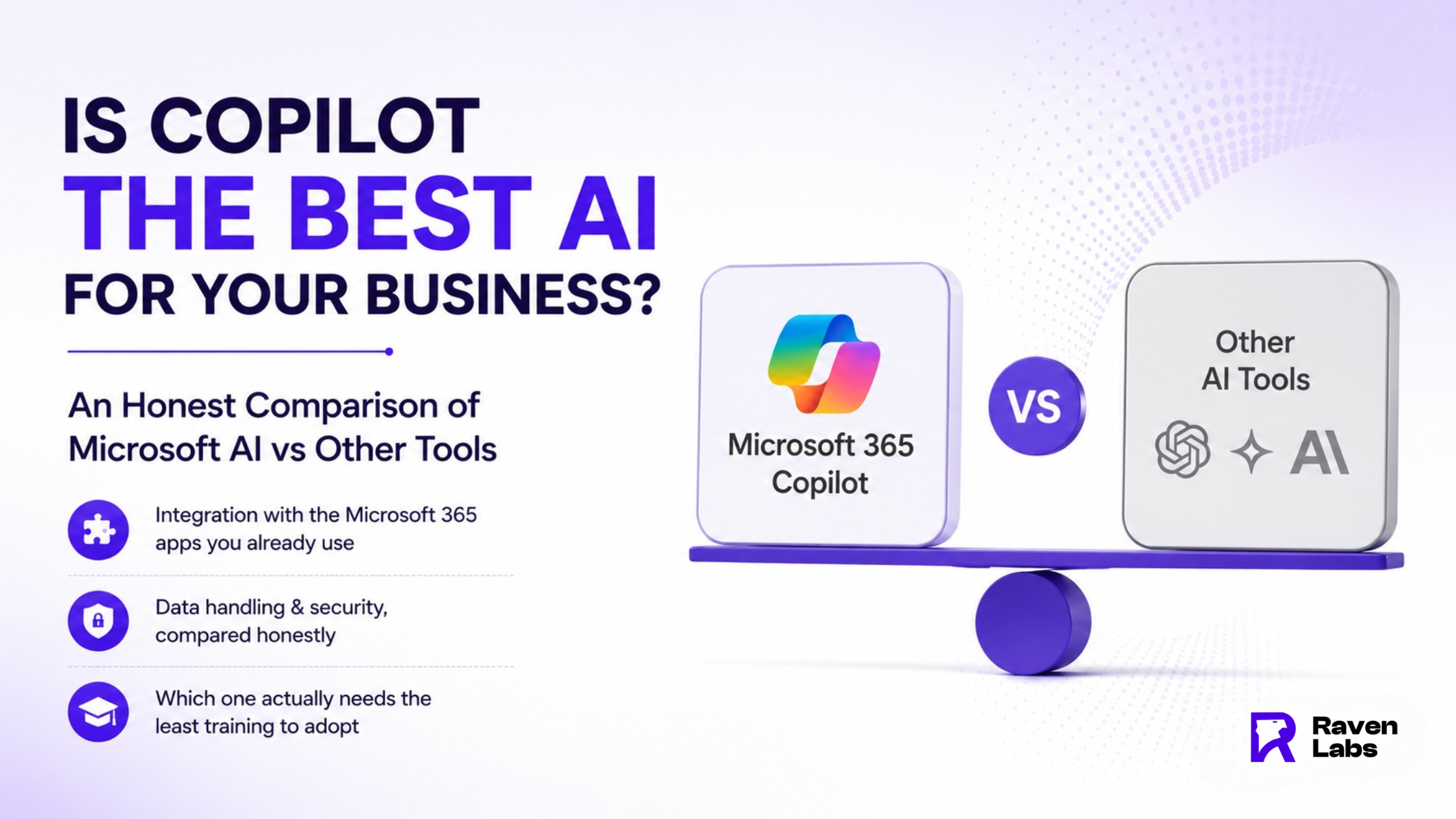

“Which AI tool is best?” is the wrong question for most businesses. The right one is which tool fits your existing systems, your data-security requirements, and how quickly your team will actually adopt it. Here’s an honest, vendor-neutral comparison of Microsoft Copilot against the other leading AI tools Australian businesses are choosing between in 2026.
Integration: The Microsoft 365 Advantage
Copilot’s biggest structural advantage is that it lives inside Word, Excel, Outlook, and Teams — apps most Australian businesses already run. That means no new login, no new interface, and no behaviour change required to start. ChatGPT and Claude, by contrast, are typically standalone tools that require staff to copy content in and out of a separate window, which is a small but real barrier to habitual use.
Data Handling and Security, Compared Honestly
Microsoft 365 Copilot operates within your organisation’s existing Microsoft 365 data governance, tenant boundaries, and compliance settings, and enterprise agreements explicitly exclude customer prompts from model training. ChatGPT Enterprise and Claude for Work offer comparable enterprise-grade protections, but their free consumer tiers do not and it’s the free tiers that Australian staff most often use without approval. The security question is rarely ‘which vendor is safer’ and much more often ‘which tier is your business actually running.’
Which Tool Needs the Least Training to Adopt
This is where the comparison gets interesting. ChatGPT remains the most-used AI tool among Australians overall by a wide margin, largely because its general-purpose chat interface is intuitive and widely known from consumer use. Copilot’s adoption curve looks different its heaviest use skews toward full-time, higher-income professionals inside Microsoft-centric workplaces, suggesting it needs deliberate workplace training to reach the same habitual usage ChatGPT gets almost by default.
Making the Right Call for Your Business
For businesses already standardised on Microsoft 365, with data governance and compliance requirements around client or financial information, Copilot is usually the more defensible default not because it’s more capable feature-for-feature, but because it inherits controls your business already has in place. Businesses without those constraints, or with staff already fluent in ChatGPT, may get faster time-to-value by formally sanctioning the tool people already use, rather than forcing a switch.
Conclusion
There’s no universally “best” AI tool, only the one that fits your existing systems, governance requirements, and how fast your team will actually adopt it. For most Microsoft 365-native businesses, that tips the answer toward Copilot.
Ready to Choose the Right AI Tool for Your Business?
Raven Labs helps Australian businesses assess Copilot, ChatGPT, and other AI tools against their existing Microsoft 365 setup, data governance needs, and adoption realities.
In 45 minutes we’ll map which AI tools genuinely suit your systems and show you the governance gaps worth closing first.
Contact us Today:
Email – [email protected]
Phone -1300 305 009
Website – https://www.theravenlabs.com/
FAQ’S
1: Which AI tool has the largest user base overall?
ChatGPT remains the dominant AI tool by user numbers globally and in Australia, followed at a distance by
Google Gemini, with Copilot and Claude further behind in raw consumer reach.
2: Is Copilot more secure than ChatGPT for business data?
Enterprise tiers of both platforms offer comparable data protections. The real risk sits with free consumer tiers of
any AI tool, which is why the choice between vendors matters less than the choice of licensing tier.
3: Do I need to choose one AI tool, or can my business use several?
Many organisations run more than one Copilot for Microsoft 365-native tasks and another tool for general
research or content, for example. The key is that every tool in use is sanctioned and governed, not that there’s
only one.
4: Which AI assistant integrates best with Microsoft 365?
Copilot, by a clear margin it’s built directly into Word, Excel, Outlook, and Teams rather than requiring a separate
interface.
5: What matters more when choosing an AI tool: features or ease of adoption?
Ease of adoption. The deciding factor in most rollouts isn’t which tool has more features it’s whether staff
actually use it, which is driven far more by training and integration than by capability differences.