
A sales rep recently told us they spend the first hour of every day updating the CRM instead of selling. That is not a discipline problem. It is an automation problem and it is one that both Salesforce and Zoho CRM can largely solve, if the automation tools are actually set up rather than left switched off.
What “Business Process Automation” Means Inside a CRM
Automation inside a CRM goes well beyond a simple email trigger. It covers approvals that route themselves to the right manager, records that update automatically when a deal moves stage, follow-up tasks that generate on a schedule, and data entry that happens because a system event triggered it not because a rep remembered to log it. The goal is to remove manual admin from every predictable step in the sales process, leaving reps time to actually sell.
Salesforce Automation Tools
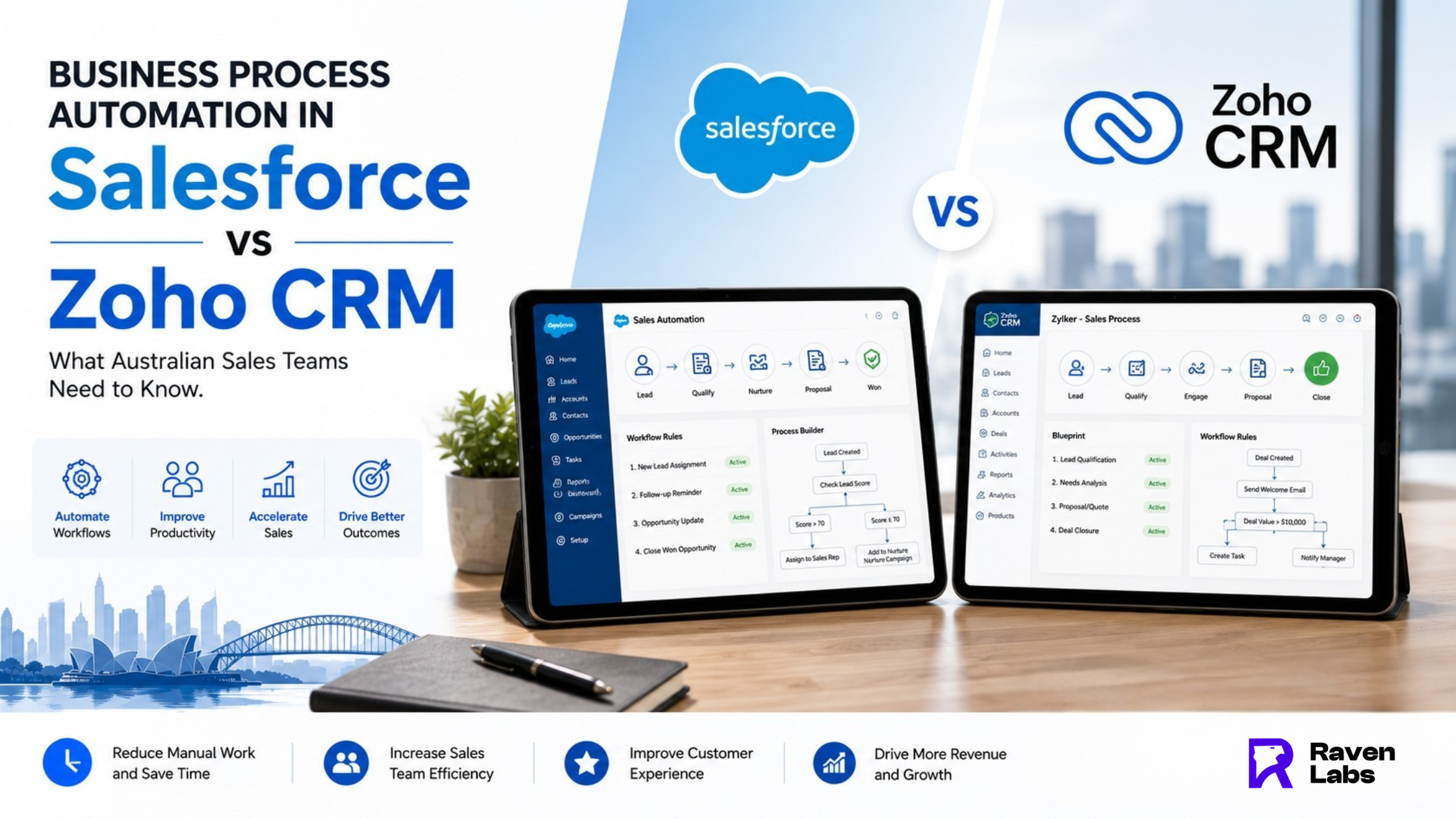
Salesforce’s automation stack centres on Flow (the modern, low-code automation builder that replaced the older Process Builder and Workflow Rules), and Einstein Automate for more advanced, AI-assisted process automation. Flow can handle everything from simple field updates to complex, multi-step approval processes spanning several objects. The trade-off is that Salesforce’s automation tools, while powerful, generally require more admin skill to configure well which is reflected in the cost of Salesforce admin and consulting support.
Zoho CRM Automation Tools
Zoho CRM’s automation toolkit includes Workflow Rules for straightforward trigger-based automation, Blueprint for enforcing multi-step sales processes with built-in checkpoints, and Zoho Flow for connecting Zoho CRM’s automations to other apps in your stack. Zoho’s automation tools are generally more approachable for a business without a dedicated CRM administrator, trading some of Salesforce’s depth for a faster, lower-cost setup.
Side-by-Side: Cost, Admin Skill and Flexibility
On cost, Zoho CRM is typically the more affordable platform across licensing and the admin time required to build and maintain automations. On admin skill, Salesforce’s Flow builder rewards a trained administrator and can become genuinely complex for advanced use cases, while Zoho’s tools are built to be configured by a less specialised team member. On flexibility, Salesforce generally offers deeper customisation for complex, multi-department processes, particularly in larger sales organisations with layered approval chains.
Which Team Profile Should Choose Which Platform
A lean Australian SME sales team of five to twenty people, without a dedicated CRM administrator, is usually better served by Zoho CRM’s more approachable automation tools faster to configure, cheaper to run, and sufficient for most B2B sales processes. A larger, more complex sales organisation with multiple departments, intricate approval chains, and the budget for a dedicated Salesforce administrator often gets more value from Salesforce’s deeper automation capability.
The Migration Reality Nobody Warns You About
If you are considering switching CRM platforms specifically to access better automation, it is worth knowing that automations do not migrate one-to-one. A Salesforce Flow does not transfer directly into a Zoho Workflow Rule, and vice versa every automated process typically needs to be rebuilt in the new platform’s native tools. This does not make switching a bad idea when the fit is genuinely wrong, but it does mean the automation rebuild should be budgeted as part of any CRM migration project, not treated as an afterthought.
Where to Start If You Are Not Sure
Rather than starting with “which CRM is better,” start by listing the five processes eating the most manual admin time in your sales team right now lead routing, follow-up sequences, quote approvals, deal-stage updates, and handover to onboarding are the most common. Map how each would be automated in your current platform before assuming a switch is necessary. Very often, the fastest ROI comes from properly automating the CRM you already have rather than migrating to a new one.
Find Out What You Could Automate First
Vote in your head on how much of your sales admin is still manual, then get a clear answer. Book a free CRM automation audit and we will map exactly what Salesforce or Zoho CRM could automate in your sales process.
Contact us Today:
Email – [email protected]
Phone -1300 305 009
Website – https://www.theravenlabs.com/
FAQ’S
1. Is Zoho CRM or Salesforce better for sales automation in Australia?
For most Australian SMEs without a dedicated CRM administrator, Zoho CRM’s automation tools are faster to configure and lower cost. Larger sales organisations with complex, multi-department processes often get more value from Salesforce’s deeper Flow-based automation.
2. Do Salesforce automations transfer to Zoho CRM if I switch platforms?
No. Automations do not migrate one-to-one between platforms and generally need to be rebuilt using the new platform’s native automation tools. This should be factored into any CRM migration project budget and timeline.
3.What is Zoho Blueprint used for?
Blueprint enforces a defined, multi-step sales process with built-in checkpoints, ensuring reps cannot skip required steps (such as an approval or a document upload) as a deal moves through the pipeline.
4. How much sales admin time can CRM automation actually save?
This varies by business, but Australian sales teams commonly report reclaiming an hour or more per rep per day once lead routing, follow-up sequencing and deal-stage updates are properly automated.
5. Do I need a CRM administrator to set up Salesforce Flow automations?
For anything beyond basic automations, yes Salesforce Flow rewards trained administrator knowledge, which is one reason Salesforce implementations typically carry higher ongoing admin cost than Zoho CRM.