A recent study shows 41% of company executives plan to use AI for reimagining their business procedures in the next five years. Business Central’s AI agents are revolutionizing operations by automating routine tasks and simplifying processes throughout organizations.
Microsoft Dynamics 365 Business Central AI has grown beyond a standard business management platform. The system now works more independently. These AI-powered ERP solutions can pull information from emails and documents. They match transactions automatically, spot inconsistencies, and create live financial forecasts. Companies see better ROI and lower operational costs because they need less manual work.
This piece will show you how AI agents are changing Business Central workflows. You’ll learn about ground applications, benefits specific to Australian businesses, and get a detailed guide to achieve comparable results.
From Manual to Smart: How AI Agents Reshape ERP Workflows
Traditional ERP systems relied heavily on human operators. Businesses wasted countless hours on manual processes that gave questionable returns. A typical finance department spent up to 70% of their time on repetitive data entry, which left little room for strategic activities. Human error rates in manual processes hit up to 20%, and these mistakes created problems that needed extra resources to fix.
The core limitations of pre-AI Business Central workflows included:
- Disconnected systems requiring manual data transfer between applications
- Time-consuming invoice processing and purchase order management
- High error rates in data entry and reconciliation
- Limited scalability as transaction volumes increased
- Reactive rather than proactive decision-making
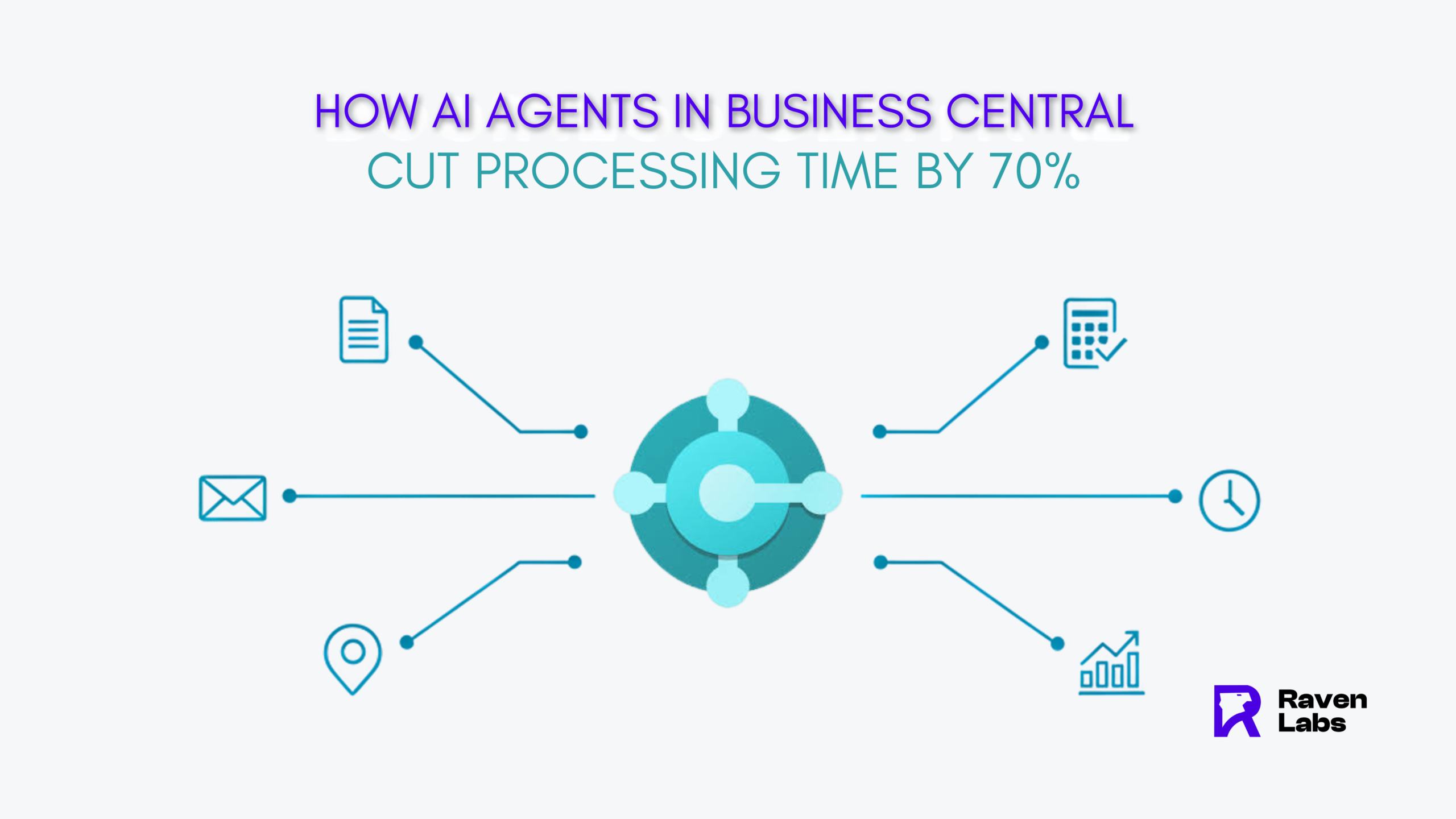
AI agents have revolutionized this landscape completely. Modern Business Central implementations now utilize AI to automate entire business processes with minimal human oversight. Companies using these features have cut processing times by up to 70% for routine tasks that once needed manual work.
The Model Context Protocol (MCP) Server makes shared integration possible between Business Central and AI agents like Azure OpenAI and Copilot Studio. This breakthrough lets AI agents work as digital workers that handle complete business tasks in different parts of the ERP system. The Sales Order Agent reads item requests straight from customer emails, spots customers automatically, checks product availability, and confirms orders with minimal human oversight.
Raven Labs Melbourne’s case study shows how AI automation changed their operations. Their finance team’s Payables Agent matches invoices to purchase orders automatically, which turns hours of work into minutes. Business Central’s embedded Power BI visualizations help teams see relevant insights right where needed without switching between applications. Analysis Assist lets users ask questions in plain language like “Show me top customers by revenue” and get instant answers.
Their old workflow needed manual checking of each invoice against purchase orders. This process took about 30% of accounting staff’s time and often led to mistakes. Raven Labs now uses AI agents to handle inventory reorders and supply chain coordination. This change lets their team focus on building relationships and strategic initiatives.
8 Real-World Use Cases Where AI Agents Save Time
Let’s look at eight practical ways AI agents in Business Central can streamline processes and boost efficiency.
1. Auto-Generated Purchase Orders from Email Attachments
The Sales Order Agent keeps an eye on shared mailboxes and extracts order details from customer emails automatically. It spots products, checks availability, and creates sales quotes without anyone lifting a finger. This turns hours of data entry into a smooth automated process.
2. AI-Powered Sales Forecasting in Business Central
The Sales and Inventory Forecast extension makes use of Azure AI to analyze past sales data and predict future demand with impressive accuracy. The system helps prevent stock shortages by spotting seasonal patterns and market trends. This is a big deal as it means that forecasting errors drop by 20-50% while lost sales decrease by up to 65%.
3. Automated Bank Reconciliation in Finance
Copilot makes bank reconciliation simple by matching transactions with ledger entries intelligently. It handles complex cases like linking single bank statement lines to multiple invoice payments – work that used to be tedious and manual. Copilot even suggests the right G/L accounts based on transaction descriptions for unmatched items.
4. Smart Inventory Alerts Based on Demand Trends
AI-driven inventory management watches purchasing patterns to set optimal stock levels. The system sends alerts at critical thresholds and ended up cutting warehousing costs by 5-10%. Better planning prevents both overstock and stockout situations.
5. Natural Language Queries for KPI Dashboards
Users can ask simple questions like “What products contributed most to our sales last month?”. The system creates instant visualizations and answers that are available to everyone, whatever their technical expertise. Companies that implement these tools see adoption rates above 70% in just six months.
6. AI-Driven Customer Follow-Ups in Sales
AI agents track customer interactions and remind sales teams about pending quotes. They even draft tailored follow-up messages. This gives your team a chance to catch every lead while keeping communication consistent.
7. Expense Anomaly Detection in Accounting
Smart AI algorithms spot unusual financial patterns that might signal errors or fraud. The system flags duplicate entries, inflated expenses, or claims that don’t line up with normal spending patterns by analyzing expense reports.
8. Trigger-Based Notifications for Overdue Tasks
Business Central’s notification system alerts users about important events like approaching payment due dates or new orders. You can customize conditions to get relevant alerts and avoid notification overload.
Ready to Activate AI Agents in Your Business Central System?
You can automate operations, improve accuracy, and make smarter decisions with AI-powered Business Central.
Industry-Specific Benefits of Business Central AI in Australia
Australian companies in various sectors are making use of Business Central AI to solve their unique industry challenges. Each field has found specific AI applications that boost their operations.
Manufacturing: Predictive Maintenance and BOM Analysis
Manufacturing companies use AI-powered predictive maintenance to spot equipment failures before they happen. This cuts down factory downtime that usually costs between 5% and 20% of production capacity. These systems look at sensor data like temperature, vibration, and pressure readings to build detailed equipment health models. AI-driven bill of materials analysis helps optimize production costs and finds alternative components based on what’s available and how much they cost.
Retail: Real-Time Replenishment and Customer Segmentation
Retail businesses use Business Central AI to sort products from images and write marketing copy based on product features. About 90% of retail staff who have AI tools say they’re happier at work because repetitive tasks are automated. Azure AI lets users customize forecasting periods that get better as they collect more data.
Professional Services: Project Forecasting and Time Tracking
Professional services companies get better results through improved resource use and project control. AI helps track time by capturing billable hours automatically. Project forecasting tools study past performance to predict completion times accurately.
Food & Beverage: Expiry Monitoring and Compliance
Food manufacturers depend on Business Central to track expiration dates that will give accurate FEFO (First Expired, First Out) movement. The system tracks ingredients in both directions to manage allergens throughout the supply chain. This helps meet Australia’s food industry regulations.
How to Implement AI Automation in Business Central
A methodical approach will give a successful implementation of AI agents in Business Central. You should team up with an expert who can help assess your needs properly.
Step 1: Assess Readiness with a Business Central Consultant
Start with an AI readiness check of your data quality, infrastructure, and business processes. This evaluation shows your strengths and areas to improve in leadership vision, data governance, and integration capabilities. A Dynamics 365 expert can create a custom report with recommendations to optimize your system.
Step 2: Clean and Structure Historical Data
AI agents work best with clean, structured data. You need to set up data quality guidelines and unite fragmented information in Business Central. Bad data quality creates wrong predictions that affect system performance.
Step 3: Configure AI Agents via Agent Hub
You can find AI features on the “Copilot & agent capabilities” page in Business Central. The system needs specific permissions for different AI capabilities through Business Central’s permission management. Custom agents can connect through Business Central Connector or MCP Server using Copilot Studio.
Step 4: Monitor KPIs and Optimize Continuously
Keep an eye on metrics like time saved, forecast accuracy, and cost reductions. Your performance data should drive adjustments. The system needs regular updates to keep AI agents running well as your business grows.
Hire Business Central Consultant Australia
Book a Free Business Central AI Consultation with Raven Labs Australia to get expert help during implementation. Australian consultants offer specialized support to keep your system running smoothly.
Conclusion
AI agents in Business Central are changing how businesses manage their operations. In this piece, we’ve seen these intelligent assistants reduce processing times by up to 70% and boost accuracy in decision-making. Teams can now focus on strategic initiatives instead of repetitive tasks.
Business Central users have witnessed a remarkable change from manual ERP workflows to AI-powered processes. Finance departments used to spend 70% of their time on data entry with error rates hitting 20%. AI agents now handle the whole ordeal of business processes with minimal oversight.
Real-life applications show clear benefits. These tools save time in organizations through auto-generated purchase orders, AI-powered sales forecasting, automated bank reconciliation, and natural language queries. Australian businesses in manufacturing, retail, professional services, and food sectors also benefit from AI solutions customized to their specific needs.
The path to implementation is clear: you need an assessment with a Business Central consultant, data preparation, agent configuration, and optimization over time. This approach will give a smooth adoption and maximize returns on investment.
Business Central AI goes beyond simple automation – it shows a transformation toward autonomous business management. Companies that accept new ideas today will without doubt lead competitors who still use manual processes. Smart systems are the future of ERP that save time and boost decision-making abilities throughout the organization.
FAQs
Q1. How much time can AI agents in Business Central save?
AI agents in Business Central can cut processing times by up to 70% for routine tasks that previously required manual work. This significant time-saving allows teams to focus on more strategic initiatives.
Q2. What are some real-world applications of AI agents in Business Central?
Some real-world applications include auto-generated purchase orders from email attachments, AI-powered sales forecasting, automated bank reconciliation, smart inventory alerts based on demand trends, and natural language queries for KPI dashboards.
Q3. How do AI agents improve accuracy in Business Central?
AI agents reduce human error rates, which can be as high as 20% in manual processes. They automate data entry, match transactions accurately, and use advanced algorithms to detect anomalies, significantly improving overall accuracy.
Q4. Can AI agents in Business Central be customized for specific industries?
Yes, AI agents can be tailored for specific industries. For example, manufacturing firms can use predictive maintenance, retail businesses can leverage real-time replenishment, and food & beverage companies can benefit from expiry monitoring and compliance features.
Q5. What steps are involved in implementing AI automation in Business Central?
The implementation process involves four main steps: assessing readiness with a Business Central consultant, cleaning and structuring historical data, configuring AI agents via Agent Hub, and continuously monitoring KPIs and optimizing the system.